Understand loans before you borrow.
Loan Lens explains confusing loan terms in plain language, helps you spot hidden charges, and highlights risks—using the screenshots you upload.


No personal ID required • Education-focused • Works with JPG/PNG screenshots
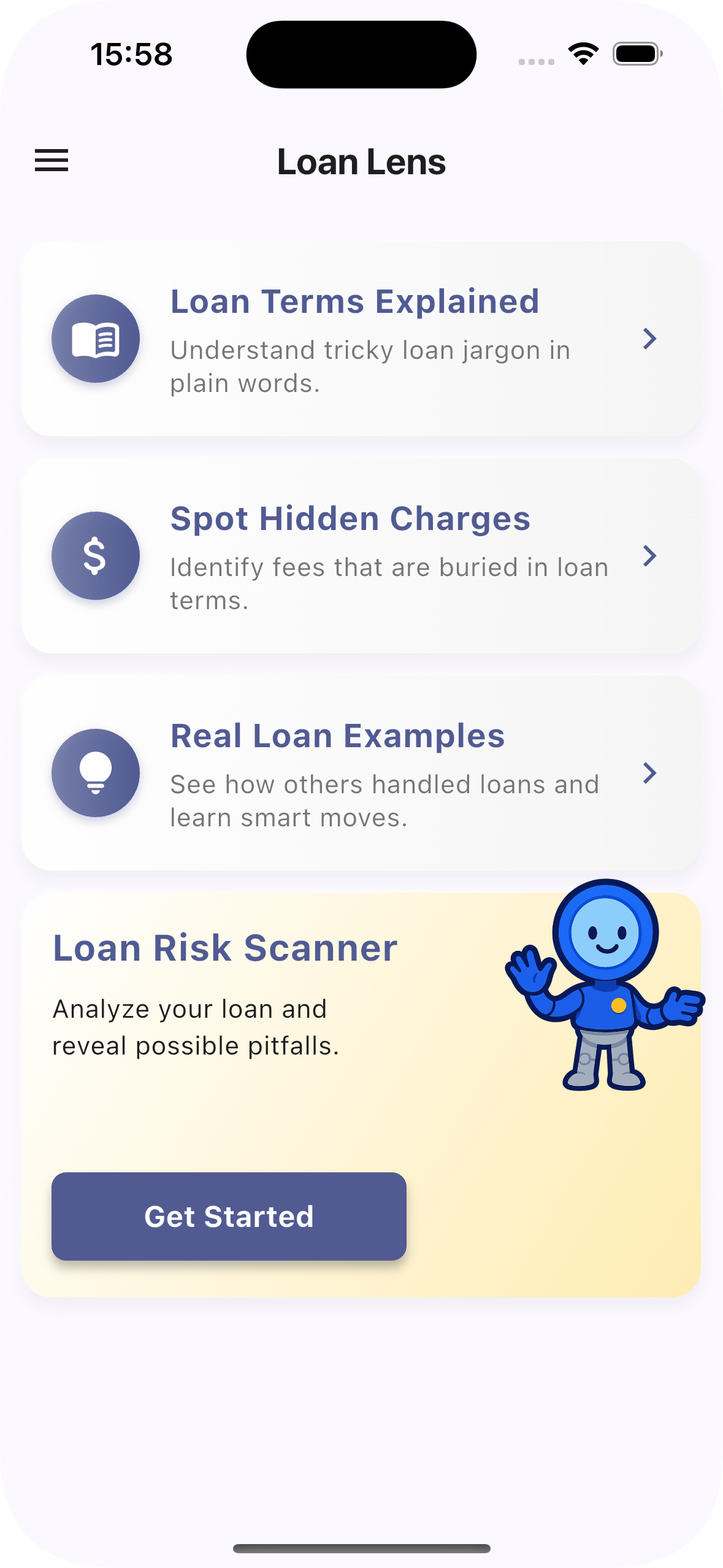
What you can do with Loan Lens
These match the core sections inside the app.
Loan Terms Explained
Understand tricky jargon like APR, principal, and amortization in plain words. Includes “What it means”, “Where you’ll see it”, and “Watch out for”.
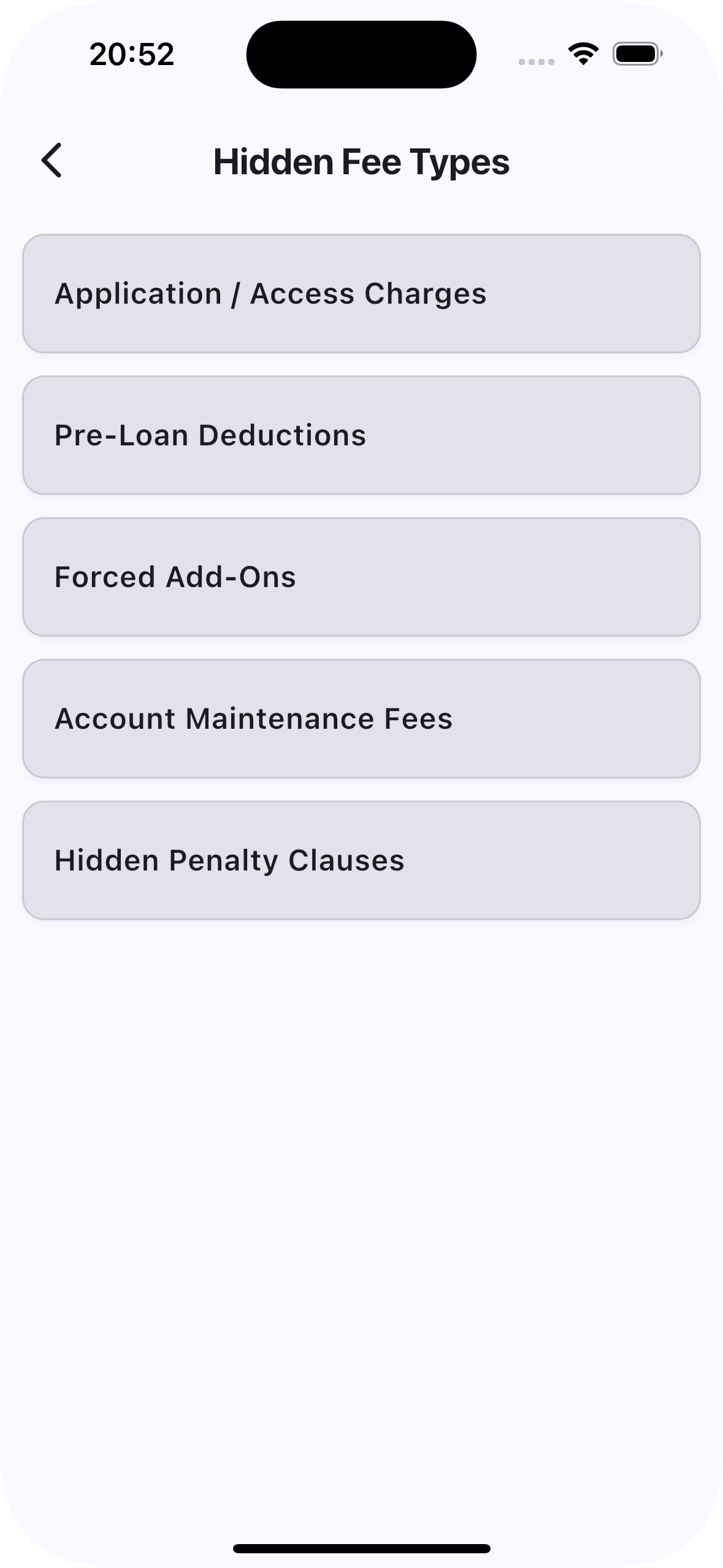
Spot Hidden Charges
Identify fees buried in loan terms. Organized into five types so you can quickly scan and compare offers.
Real Loan Examples
Learn from real-world scenarios—see what went wrong (or right) and how to avoid common pitfalls.
How it works
From screenshot to simple, educational insights.
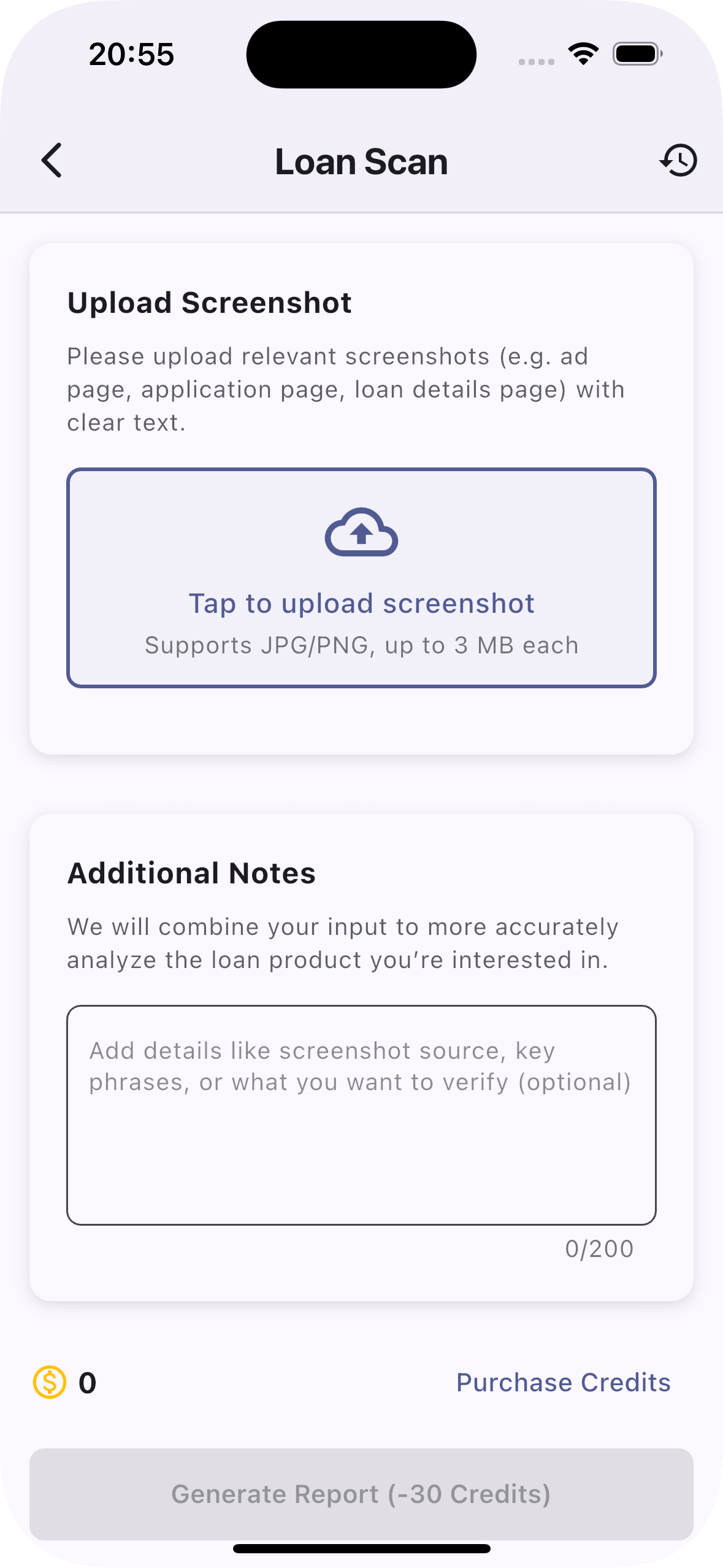
Upload Screenshot
Use clear images from ad pages, application pages, or loan detail pages. JPG/PNG up to 3 MB each.
Add Notes (optional)
Tell us what you want to verify—keywords, lender, or special terms. We’ll combine it with the text we detect.
Generate Report
See a concise summary: key terms, hidden-fee red flags, and a short checklist of what to confirm with the lender.
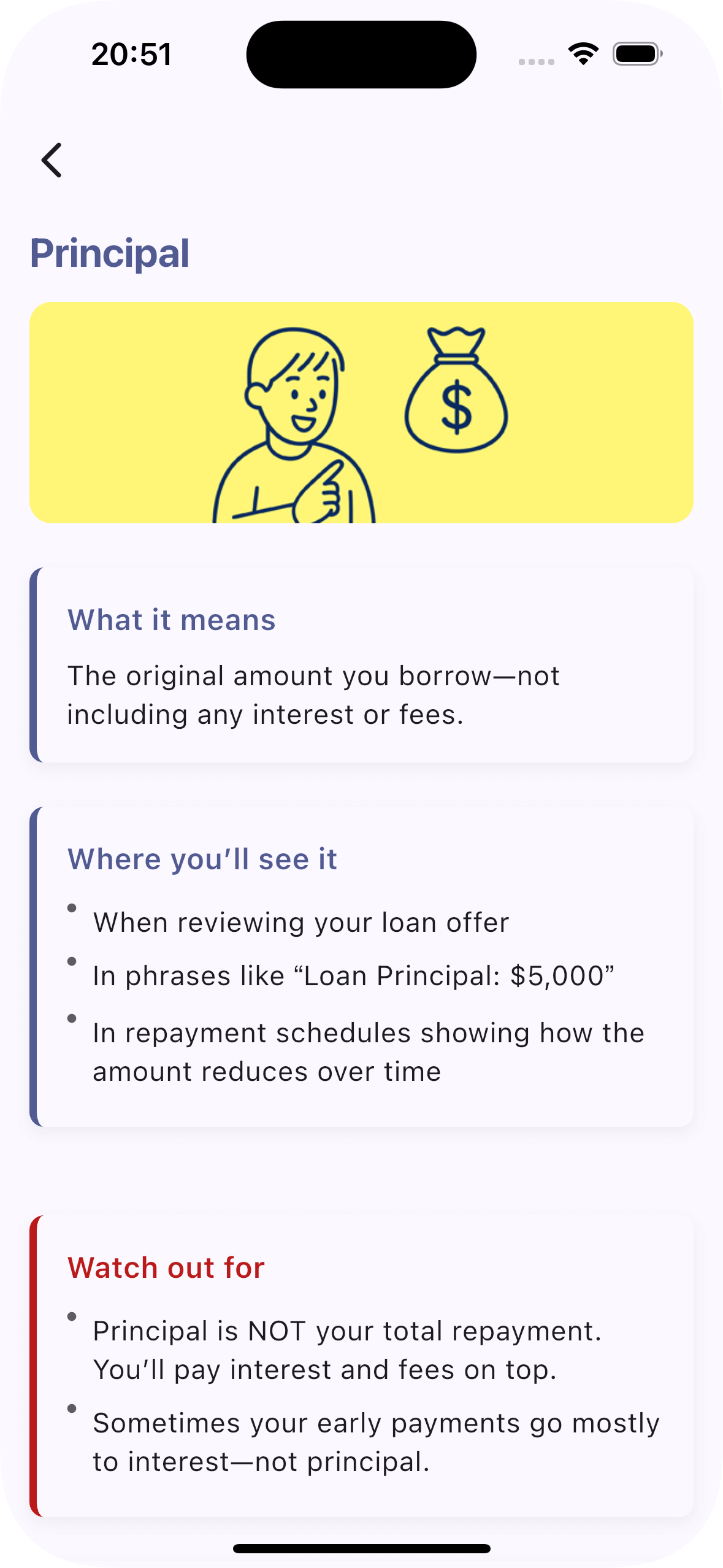
Sample Term Card: “Principal”
What it means
The original amount you borrow—not including any interest or fees.
Where you’ll see it
- On your loan offer and contract
- In phrases like “Loan Principal: $5,000”
- In amortization tables showing reductions over time
Watch out for
- Principal is not your total repayment—interest and fees add on top
- Early payments may go mostly to interest, not principal
Tip
Check if extra payments go directly to principal. If not, ask the lender how to apply them.
Real Case Snapshot
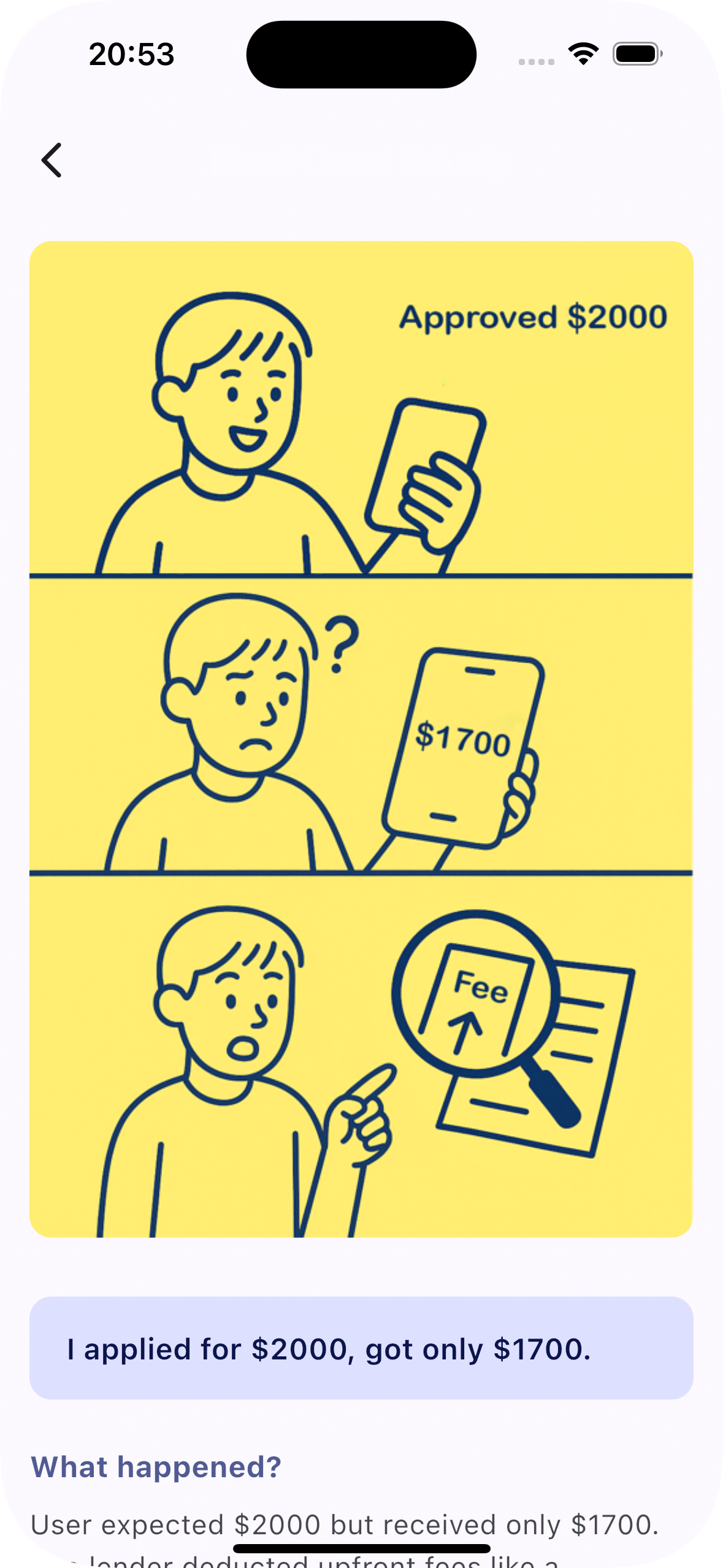
“I applied for $2,000 but only received $1,700.”
What happened?
Upfront deductions (processing, “disbursement” or “insurance” fees) were taken from the approved amount before payout.
What to verify
- Exact cash you will receive after all deductions
- Whether add-ons are optional and how to opt out
- Full repayment schedule (dates, amounts, total cost)
Simple credits, transparent pricing
Scan reports consume credits. You can try basic features for free and purchase more as needed.
Free
Explore glossary and hidden-fee categories. Preview the scanner flow.
No sign-up required
Credit Packs
Buy credits in-app to generate full reports from your screenshots.
No personal ID needed
Privacy-First
We don’t require PII for core features. See our Privacy Policy for details.
Education-focused
Frequently asked questions
Do you make lending decisions?
No. Loan Lens is an educational tool—we are not a lender or broker and we do not give financial advice.
What types of images work best?
Clear screenshots with readable text from loan ads, application pages, and contract pages (JPG/PNG up to 3 MB).
Will my images be stored?
Images are processed temporarily and deleted after analysis unless you choose to save your results.
Do I need to provide personal information?
No personal ID is required for core features. We collect minimal technical data to improve performance.
Trust & Safety
Privacy-first design
We focus on anonymized, educational outputs and avoid long-term storage of uploads. Read our Privacy Policy for specifics.
SSL • Secure processing • No data brokering